
Omega Flowey Fight Simulator – Your Best Nightmare Online
Play Omega Flowey Fight Simulator online in Your Best Nightmare Simulator, a fan-made browser remake with Normal, Endless, One-Hit and Nightmare modes.
Related Games












About Your Best Nightmare Simulator
- Category
- Arcade Games
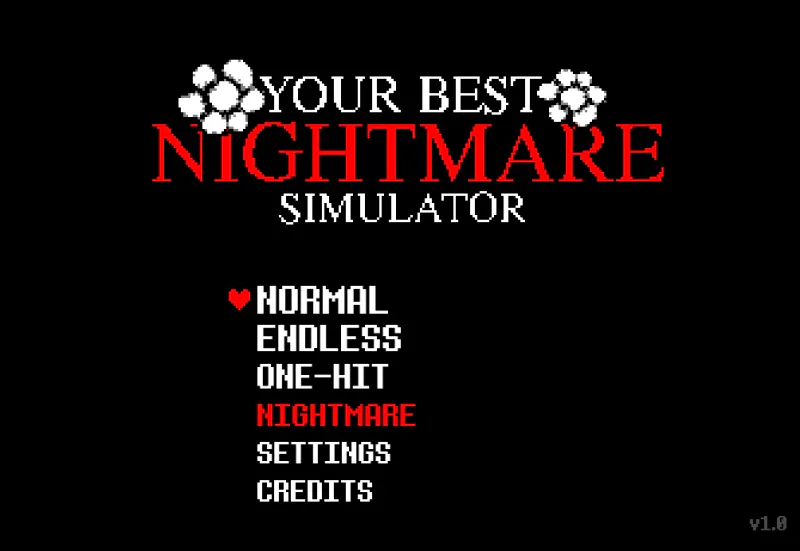
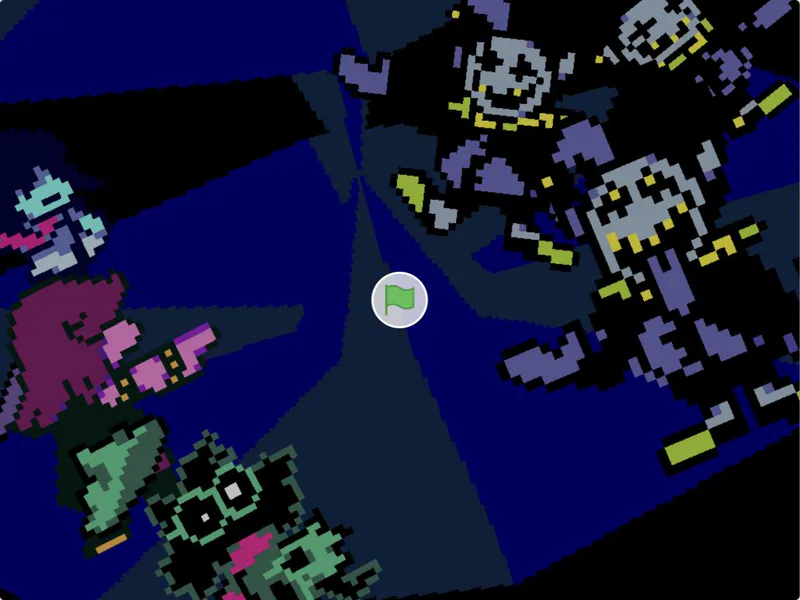
Your Best Nightmare Simulator is a fan-made browser remake of Undertale’s Omega Flowey boss fight. Its creator says the project was inspired by other fan simulators and offers several ways to revisit the encounter.
Alongside Normal, the menu lists Endless, One-Hit and Nightmare. The creator describes the first version of Nightmare as a harder Omega Flowey fight, with further attack-pattern changes planned. Those changes are plans, not current features.
The settings screen includes volume, audio, reduce-motion and key-binding options. This is a fan project based on Undertale characters and is not presented here as an official release.
Key Bindings Screen
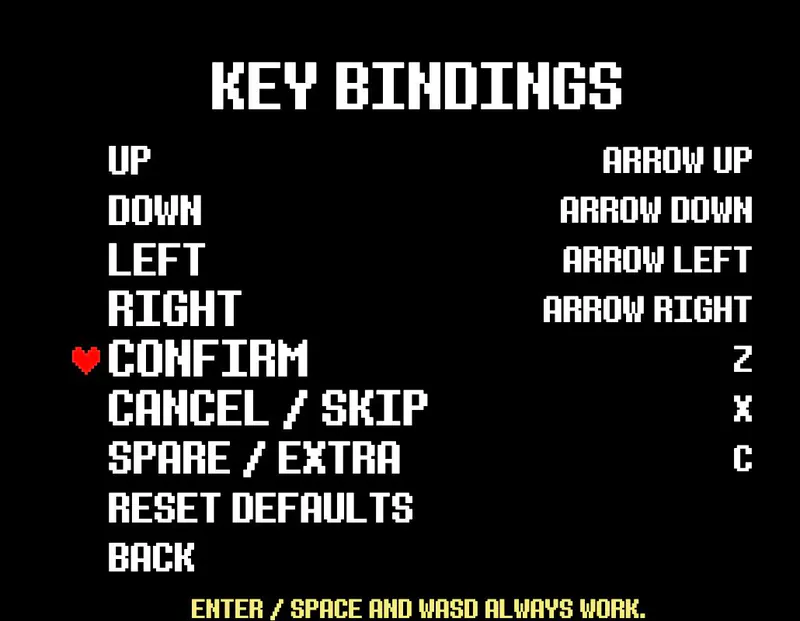
Default Key Bindings
How to Play Omega Flowey Fight Simulator
Controls
Click Play Now above to open Your Best Nightmare Simulator, then choose a mode from the menu. The menu offers Normal, Endless, One-Hit and Nightmare. The creator describes the latter three as extra challenges.
Use the directional inputs to move and respond during the boss fight. The default controls are arrow keys to move, Z to confirm, X to cancel or skip, and C for the spare or extra action. WASD and Enter or Space also work.
Open Settings and Key Bindings if you want to change controls. You can also adjust volume, audio and reduce-motion options before your next attempt.
Game Features
- Fan-made browser remake of the Omega Flowey encounter
- Normal, Endless, One-Hit and Nightmare modes
- Configurable key bindings
- Volume, audio and reduce-motion settings
- Arrow-key and WASD support
Your Best Nightmare Simulator FAQ
Where can I play Your Best Nightmare Simulator?
Click Play Now above to open Your Best Nightmare Simulator and choose a mode from its menu.
What modes are available?
The menu lists Normal, Endless, One-Hit and Nightmare. The creator describes the latter three as extra challenges.
What are the default controls?
The key-binding screen lists arrow keys for direction, Z for confirm, X for cancel or skip and C for spare or extra. WASD and Enter or Space also work.
Can I change the controls?
Yes. Open Settings and then Key Bindings to view or rebind the defaults. You can also adjust volume, audio and reduce-motion options there.
What is Nightmare mode?
The creator describes the first version as a harder Omega Flowey fight and says further attack changes are planned.