
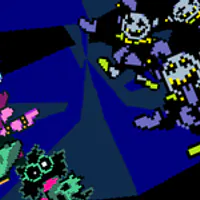
Jevil Fight Simulator – Play the TurboWarp Jevil Fight
Play Jevil Fight Simulator, a fan-made Jevil Scratch fight on TurboWarp. Click Play Now, press the green flag, then use the arrow keys to move your soul, Z and X for dialogue and speed, and try Pirouette on turn two.
Related Games













About the Scratch Jevil Fight Project
- Category
- Arcade Games
- Platform
- TurboWarp / Scratch in browser
- Mode
- Fan-made Jevil fight project with keyboard controls
- Developer
- Scratch creator tripoid
- Status
- Public Scratch project
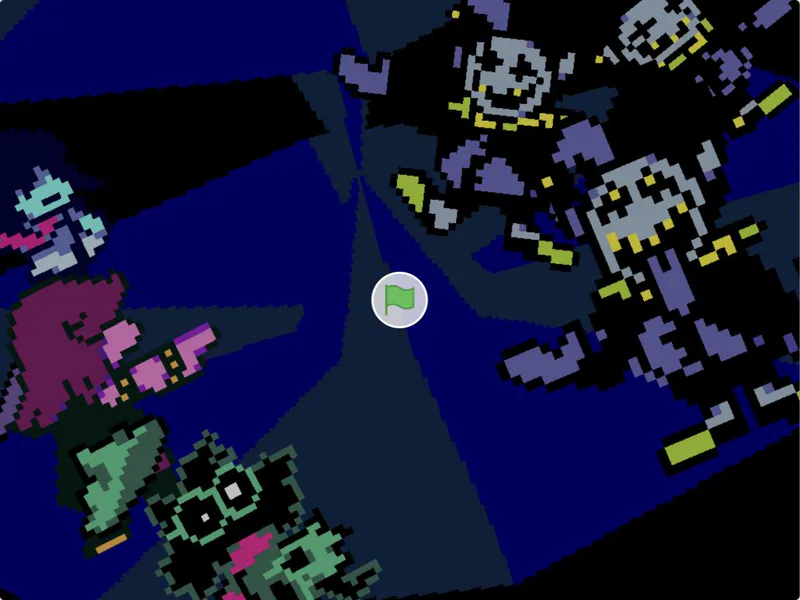
Jevil Fight is a public Scratch project created by tripoid and shared in November 2021; here you play it through TurboWarp. It is a fan project, not an official DELTARUNE game. The project credits the music, sounds, and concept to Toby Fox; the sprites to Temmie Chang and Toby Fox; and the carousel background to Tuxedoedabyss03.
Use the arrow keys to move the soul or navigate menus, Z to select and advance dialogue, X to cancel or change speed, and Q to skip the intro. Press the TurboWarp green flag to start the project. In the attack fight, the instructions recommend using Pirouette on the second turn.
How to Play Jevil Fight Simulator
Controls
Click Play Now above, then press the green flag inside the TurboWarp player to start the Scratch project. Use the arrow keys to move the soul or navigate menus, Z to select and advance dialogue, X to cancel or change movement/text speed, and Q to skip the intro.
The project instructions add one combat tip: if you choose the attack fight, use Pirouette on the second turn.
Game Features
- Fan-made Jevil battle built as a Scratch project by tripoid
- Runs in the browser through TurboWarp, no download needed
- Arrow-key soul movement and menu navigation
- Z, X, and Q have separate dialogue, cancel/speed, and intro-skip roles
- The project instructions give a Pirouette tip for turn two of the attack fight
- Includes music, sprite, and background credits from the original Scratch listing
Jevil Fight Simulator FAQ
Where can I play Jevil Fight Simulator?
Click Play Now above, then press the green flag inside the TurboWarp canvas to start the Scratch project.
Is Jevil Fight Simulator an official DELTARUNE game?
No. It is a fan-made Scratch project by tripoid, not an official DELTARUNE release. The project credits the music, sounds, and concept to Toby Fox; the sprites to Temmie Chang and Toby Fox.
What keys control the Jevil fight?
Arrow keys move the soul and navigate menus, Z selects or advances dialogue, X cancels or changes speed, and Q skips the intro.
How do I skip the intro?
Press Q during the intro to skip it.
Any tips for the Jevil fight?
The project instructions recommend using Pirouette on the second turn of the attack fight.