Battle Draw Neal Fun Game – Paint an Army and Watch It Fight
Play the Battle Draw Neal Fun game online: paint soldiers, creatures and terrain, turn on Team battle and watch your improvised armies fight automatically.
Related Games









A Battlefield You Paint Before It Fights
- Category
- Action Games
- Platform
- Web browser
- Mode
- Draw-and-watch battle sandbox
- Developer
- Neal Agarwal
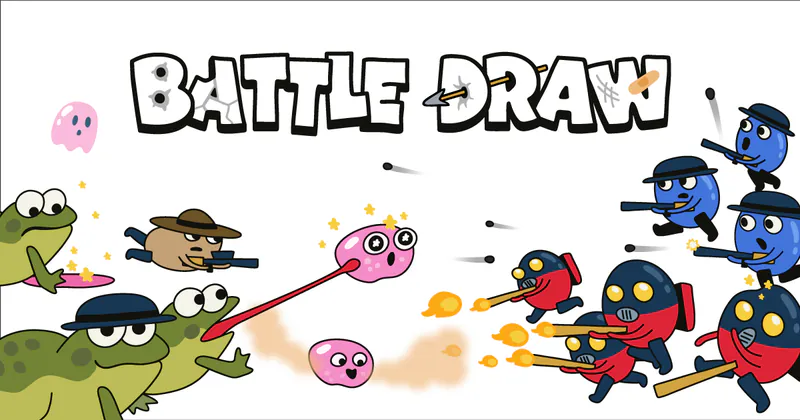
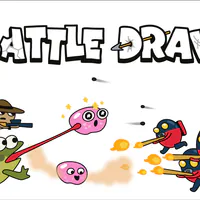
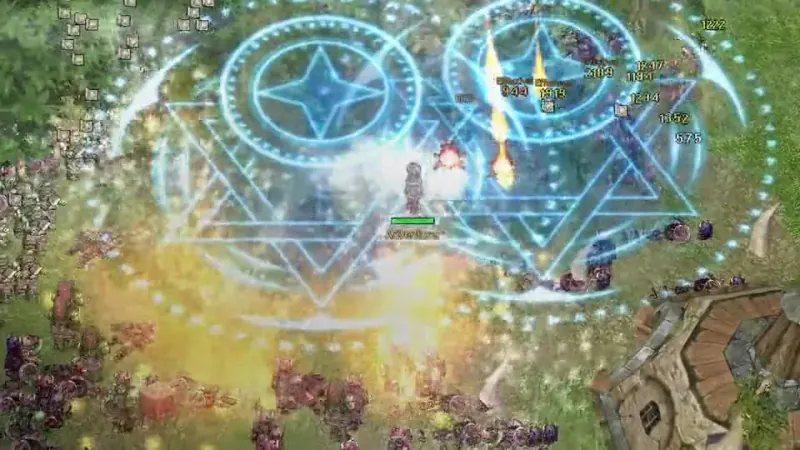
Battle Draw starts with an empty white field: paint armies, creatures and terrain, then watch them battle. The toolbar mixes historical soldiers with mythological creatures and natural obstacles, so a normal skirmish can become a strange contest between units that would never share the same army.
Army brushes include soldiers, snipers, Roman infantry, archers, cavalry and ninjas. Animals and Mythical add different bodies and movement, while Terrain changes the ground beneath them. Team battle gives the painted forces clearer sides.
This is an open sandbox for testing combinations and watching the simulation carry them out. Clear the board and rebuild with a different formation whenever you want to try another matchup.
Battle Draw is part of Neal Agarwal's collection of browser games and experiments at Neal.fun. It needs no download, and the shortcuts make it easy to reset, pause or mute while you iterate.
How to Play Battle Draw
Controls
Select Play Now above to open Battle Draw on Neal.fun in a new tab. Start by choosing a category in the bottom toolbar: Army, Animals, Mythical or Terrain. Each category changes the brushes you can use.
Pick a unit or object brush, then click or drag on the battlefield to paint it. Repeat the brush to build groups. Add terrain or creatures to make the fight more chaotic. If you want two recognizable sides, turn on Team battle before you start the simulation.
There is no campaign checklist. Watch the painted units and terrain interact, use Pause to stop and inspect a moment, and use Clear to reset the field. A good first test is two different groups with some terrain between them.
Try a row of archers, a pack of animals, a line of cavalry or a field full of obstacles. Start small so you can see what each type adds before building a larger battle.
Game Features
- Paint an army directly onto an open battlefield
- Choose from Army, Animals, Mythical and Terrain brushes
- Turn on Team battle to split your painted forces into two sides
- Watch painted units and terrain interact automatically
- Clear the field and rebuild with a different mix of units and obstacles
Battle Draw Gameplay Videos
Watch players choose units, build a battlefield and let the painted armies fight.
Battle Draw FAQ
What is Battle Draw on Neal.fun?
Battle Draw is a free browser sandbox where you paint soldiers, creatures and terrain, then watch the scene turn into a battle. There is no fixed campaign or downloadable client.
How do you create a battle in Battle Draw?
Choose a category, select a brush, and click or drag on the battlefield to place units and terrain. Build the scene you want to see, then let the painted units and obstacles interact in the battle simulation.
What does the Team battle switch do?
Team battle divides the painted forces into recognizable teams so you can set up a two-sided fight. It is useful when you want to compare groups rather than watch a free-for-all between every unit on the field.
What kinds of units can you draw?
The Army tab includes Soldier, Flamethrower, Sniper, Roman, Grenadier, Archer, Cavalry and Ninja brushes. Animals, Mythical creatures and Terrain add more participants and obstacles to the open sandbox.
Who created Battle Draw?
Neal Agarwal created Battle Draw and publishes it on Neal.fun, his collection of web games and interactive experiments. You can play it at https://neal.fun/battle-draw/ without creating an account.
What are the Battle Draw shortcuts?
Press C to clear the battlefield, Space to pause or resume, and M to toggle the audio. The on-screen Clear, Pause and Sound controls do the same if you prefer not to use the keyboard.